
Creation of Credit note
There are several options on creation of Credit/Debit note for Job.
-
1. Percentage
- Job is created for one or several instances in one. Transactions are connected to different flights/AWBs/services.
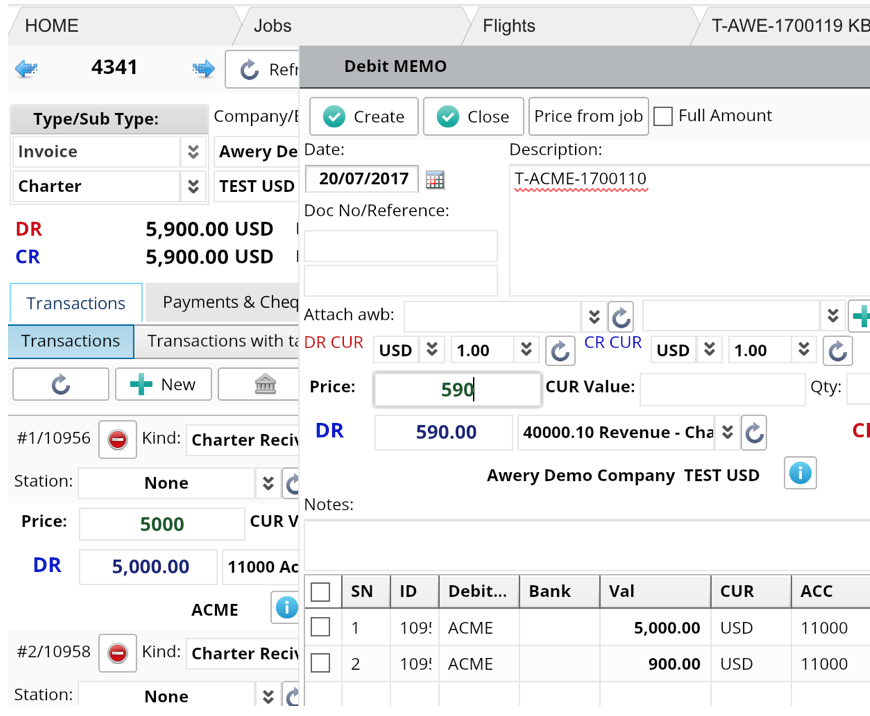
We create Note by inserting total sum and not selecting separate transactions.
In this case total sum of Note is divided on the total sum of Job, we get a percent. On screenshot 590/5900 = 10%
So, in each instance the discount for 10% will be created
In flight

- If one transaction is connected to instance, the other not, and we create Note without selecting a transaction.
% of Discount will be still calculated from the Job total, but the discount item will be created only for the connected instance.
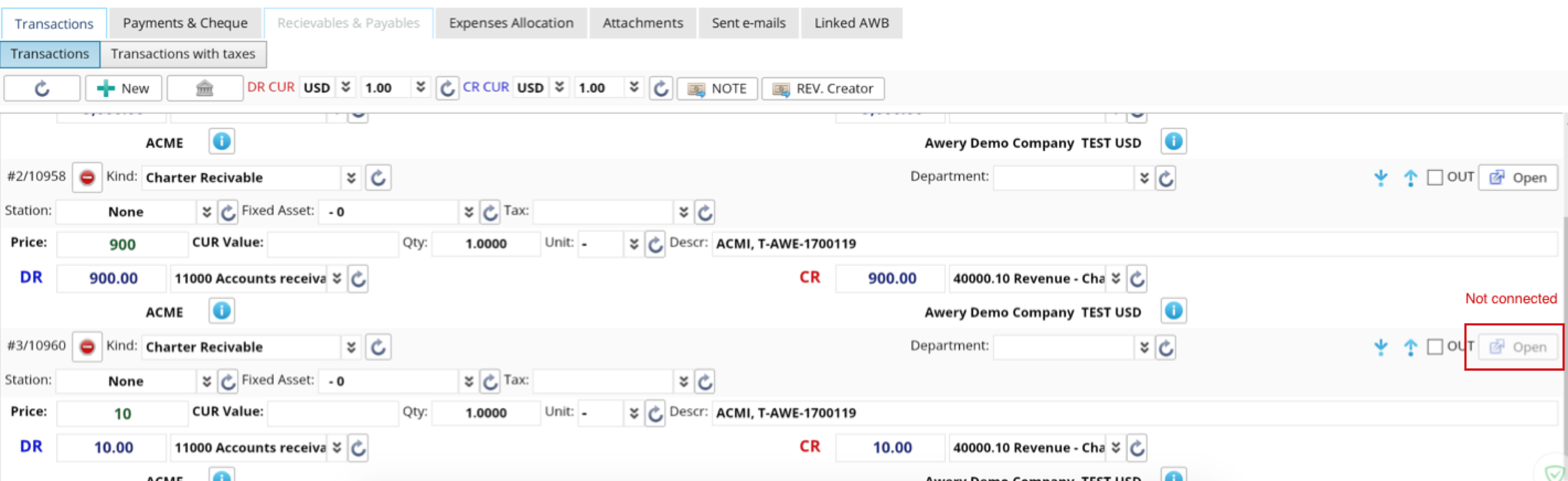
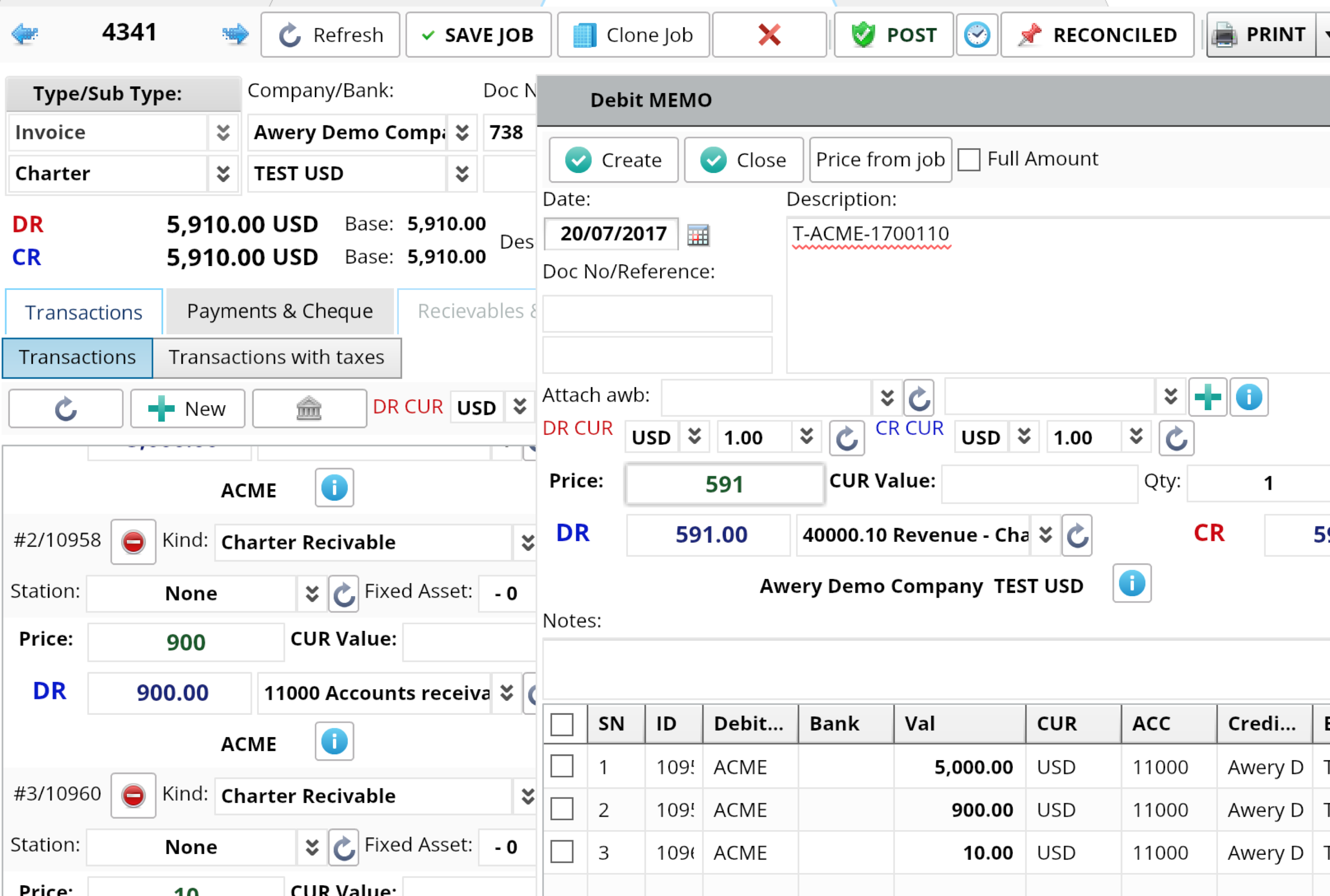
The allocation of note to job will be done in full amount
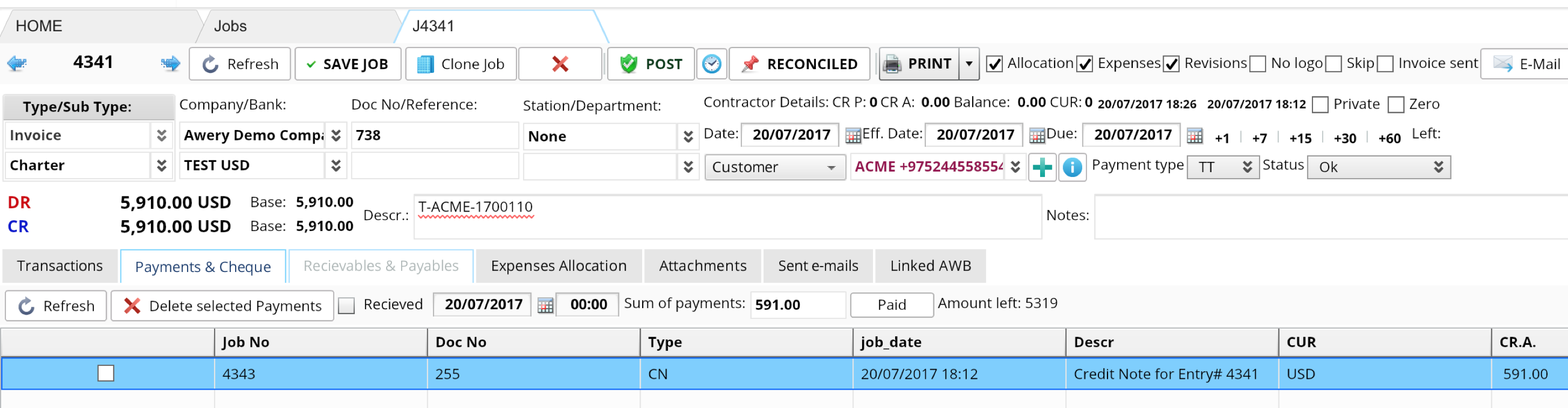
In flight still 10% created

- If invoice has one transaction only, we create Note, Discount in connected instance will be created for the whole amount of credit note without calculating percentage.
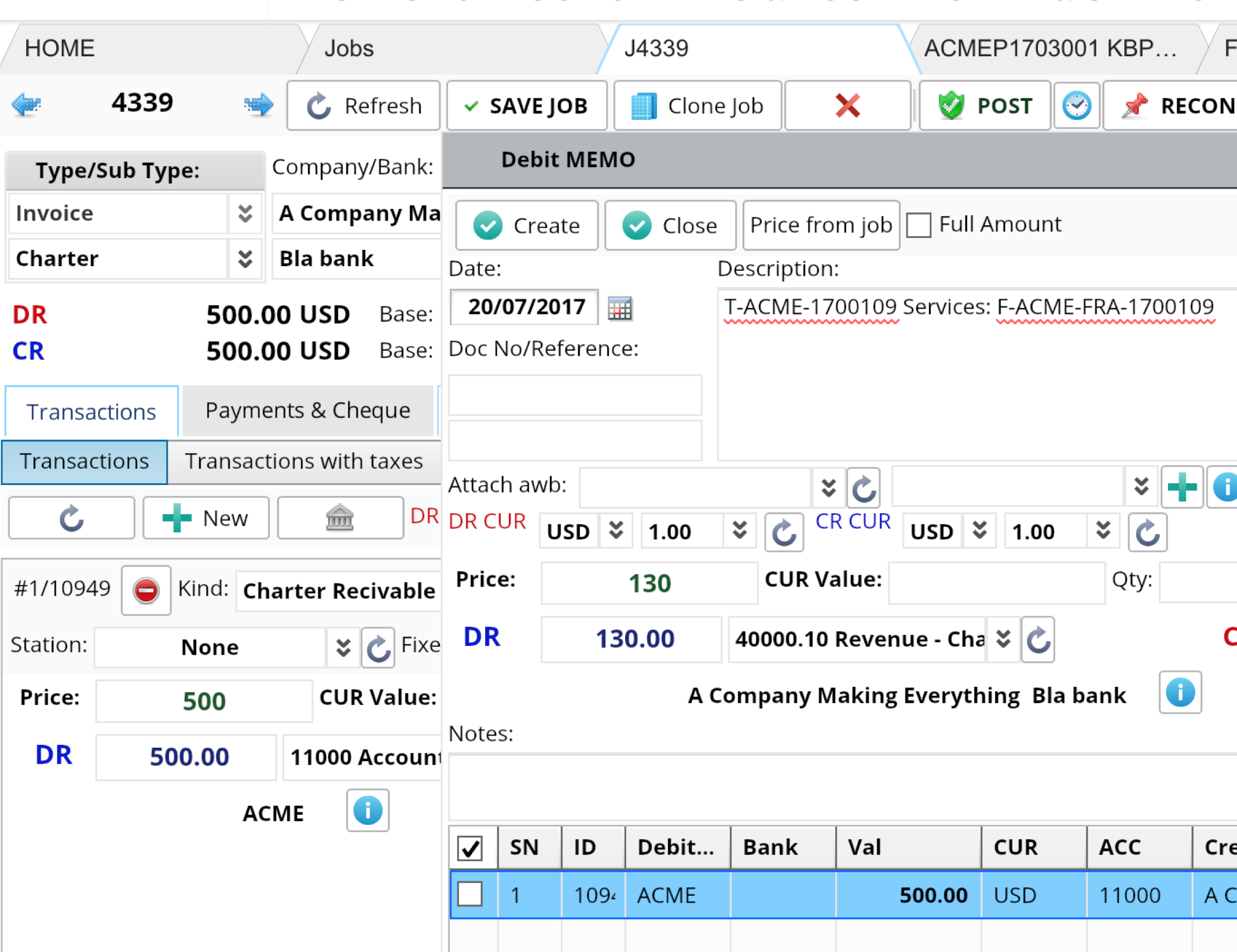
In flight

-
2. Separate transaction.
Job is created for one or several instances in one. Transactions are connected to different flights/AWBs/services.
We create a Note for selected transaction only.
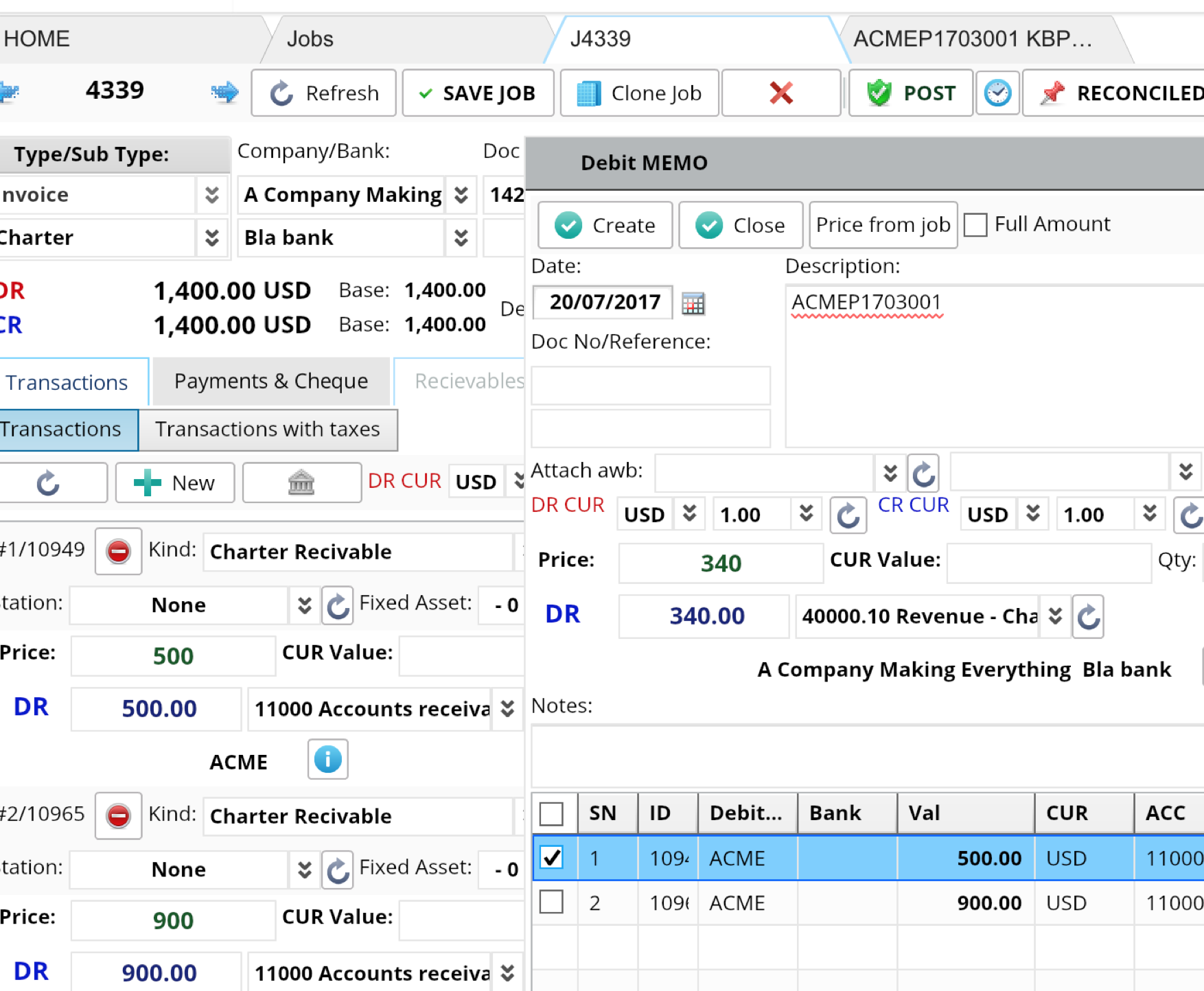
The full Note amount discount will be created in connected instance
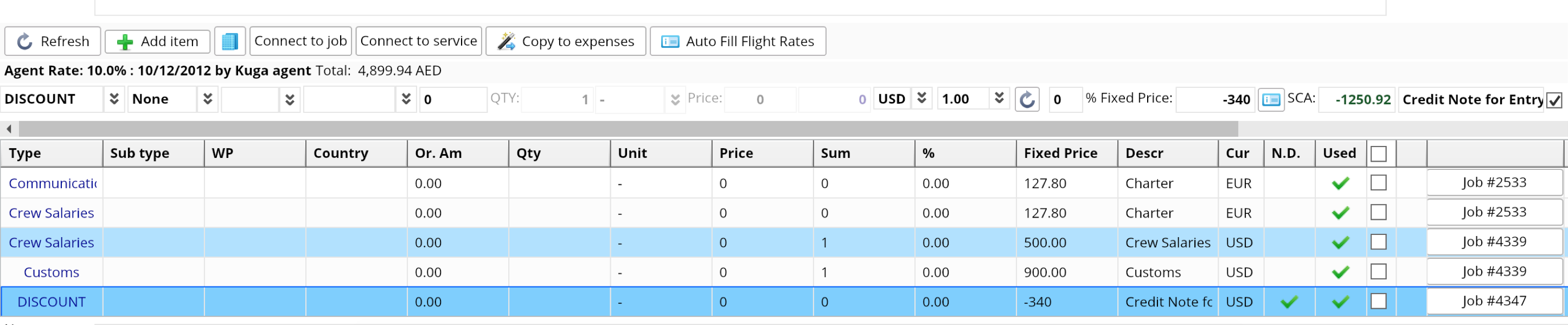
NB In such scenario only one transaction can be selected.