Accessing Services Statistics
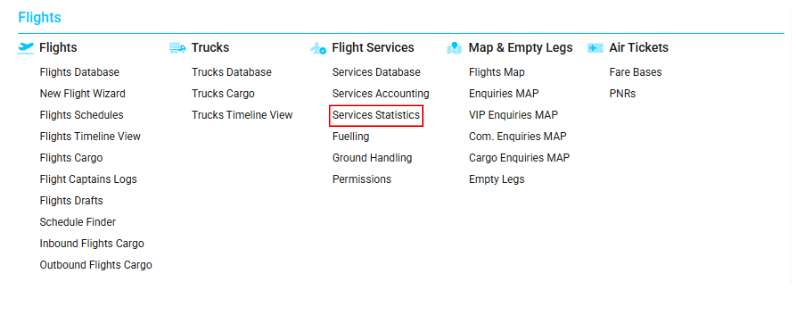
Navigate to the Flights section and under the Flight Services, click the “Services Statistics” Button.
Overview
The Services Statistics page allows you to view the list of services created for different flights, presented as percentages.
Data can be viewed by service type, airport, country, customer, and supplier, with various filtering options.
Page Description
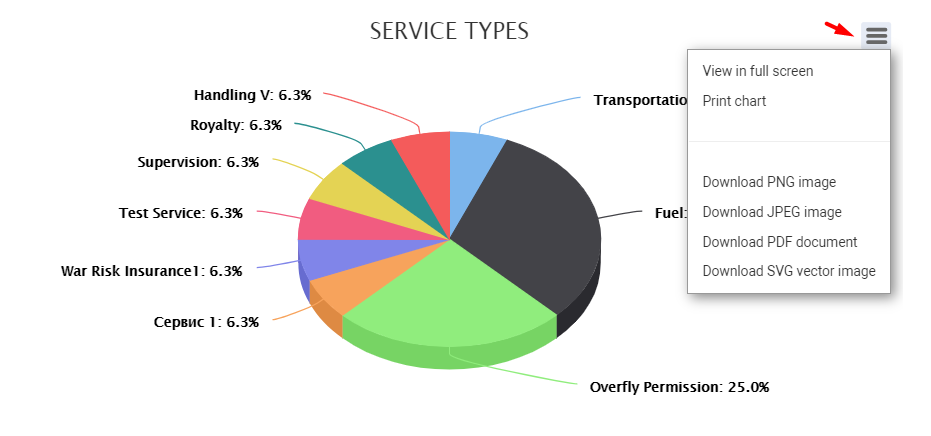
For a selected date period, the page displays pie charts and bar diagrams representing service data by type, by default.
You can also switch to diagrams for airports, countries, customers, and suppliers.
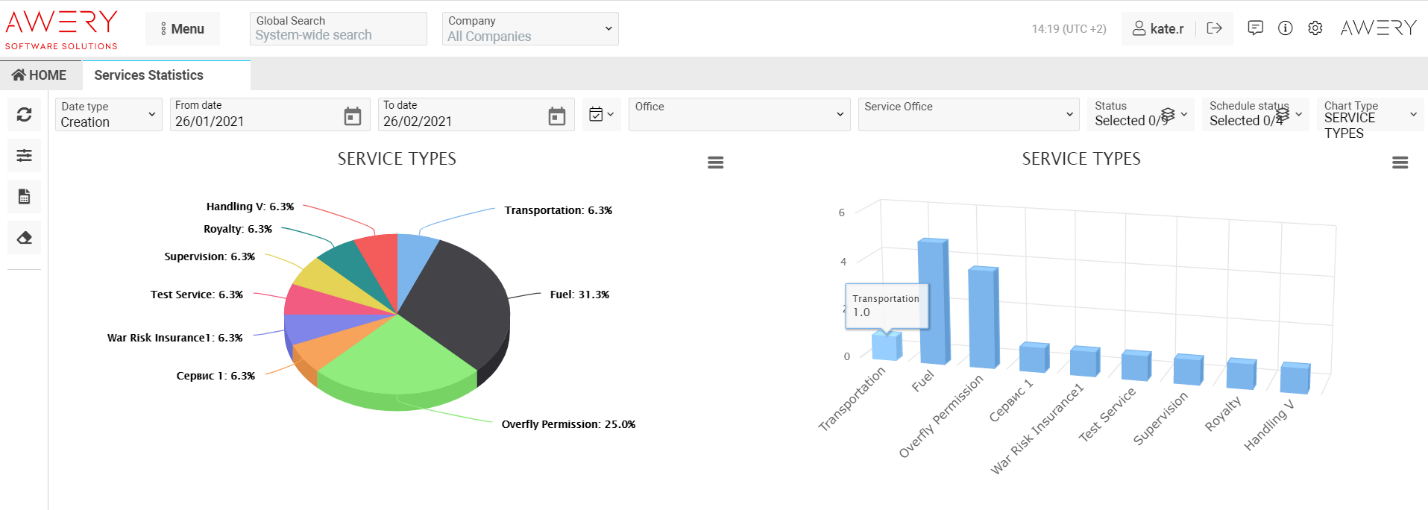
When you hover over a pie chart, the exact quantity of created services is displayed.
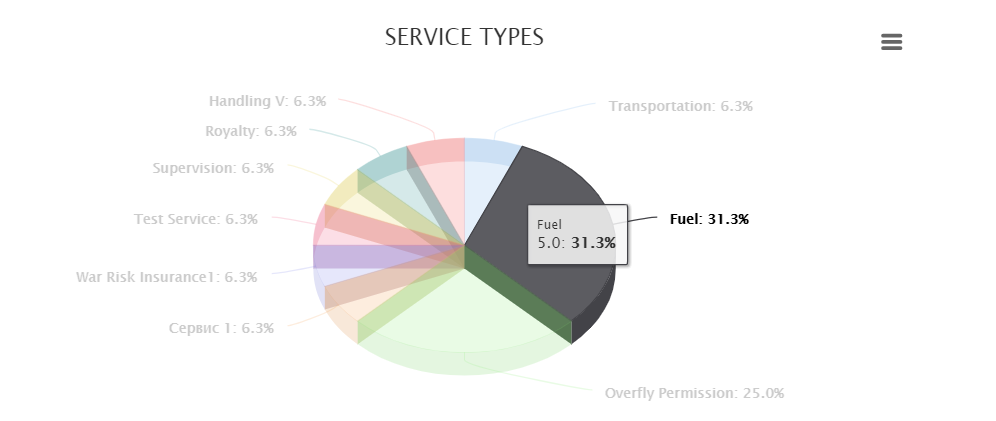
Hovering over a bar column also displays the exact service count.
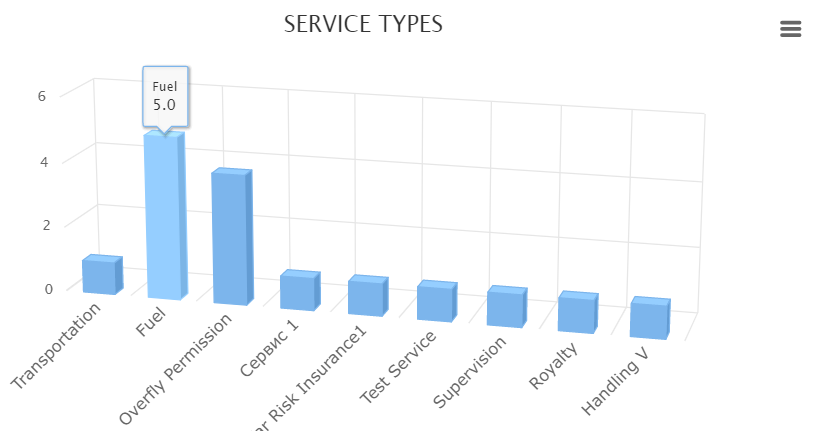
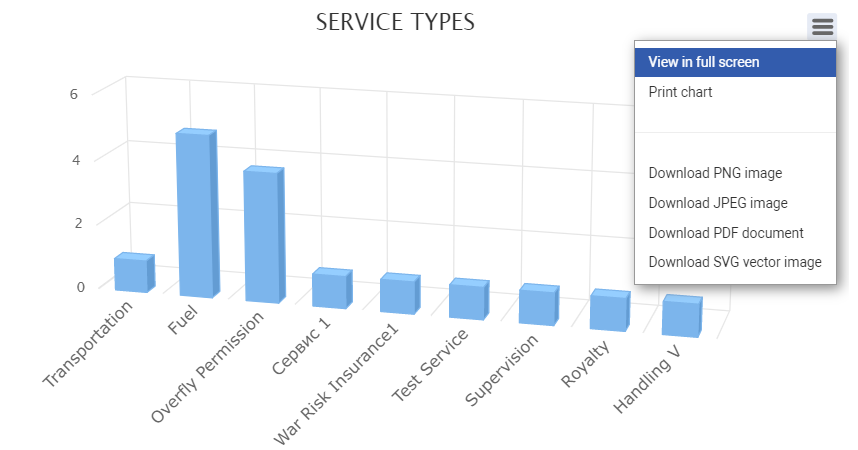
Both chart types can be:
-
Viewed in full screen
-
Printed
-
Downloaded as PNG, JPEG, or SVG images
-
Saved as PDF files
Sorting and Filtering
You can filter results using the Refresh button or by pressing Enter after entering search parameters.
At the top of the page, the main filters include:
-
Date Type
-
From / To Dates
-
Office
-
Service Office
-
Status
-
Schedule Status
-
Chart Type
Click the Filters button to reveal more filtering options.
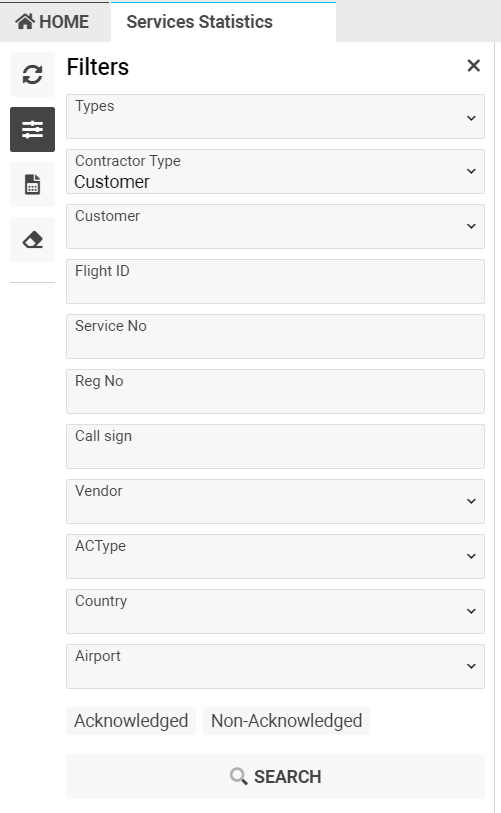
Additional filters:
-
Types – filter by service type
-
Customer – filter by service customer (can also select customer type)
-
Flight ID – filter by flight where the service was created
-
Service No – filter by service number
-
Reg. No – filter by aircraft registration number
-
Call Sign – filter by flight call sign
-
Vendor – filter by service vendor
-
ACType – filter by aircraft type
-
Country – filter by country of flight waypoint
-
Airport – filter by airport of flight waypoint
You can also filter by:
-
Acknowledge – confirmed services
-
Non-Acknowledge – unconfirmed services
To export the report, click the Reports button.
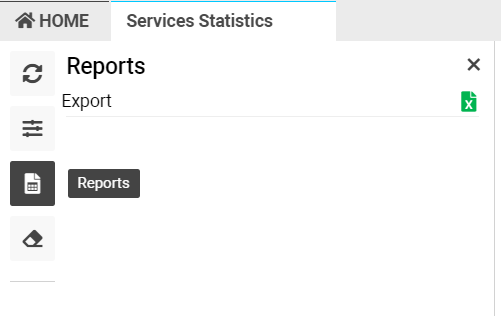
To reset all applied filters, click the Clear Filters button.