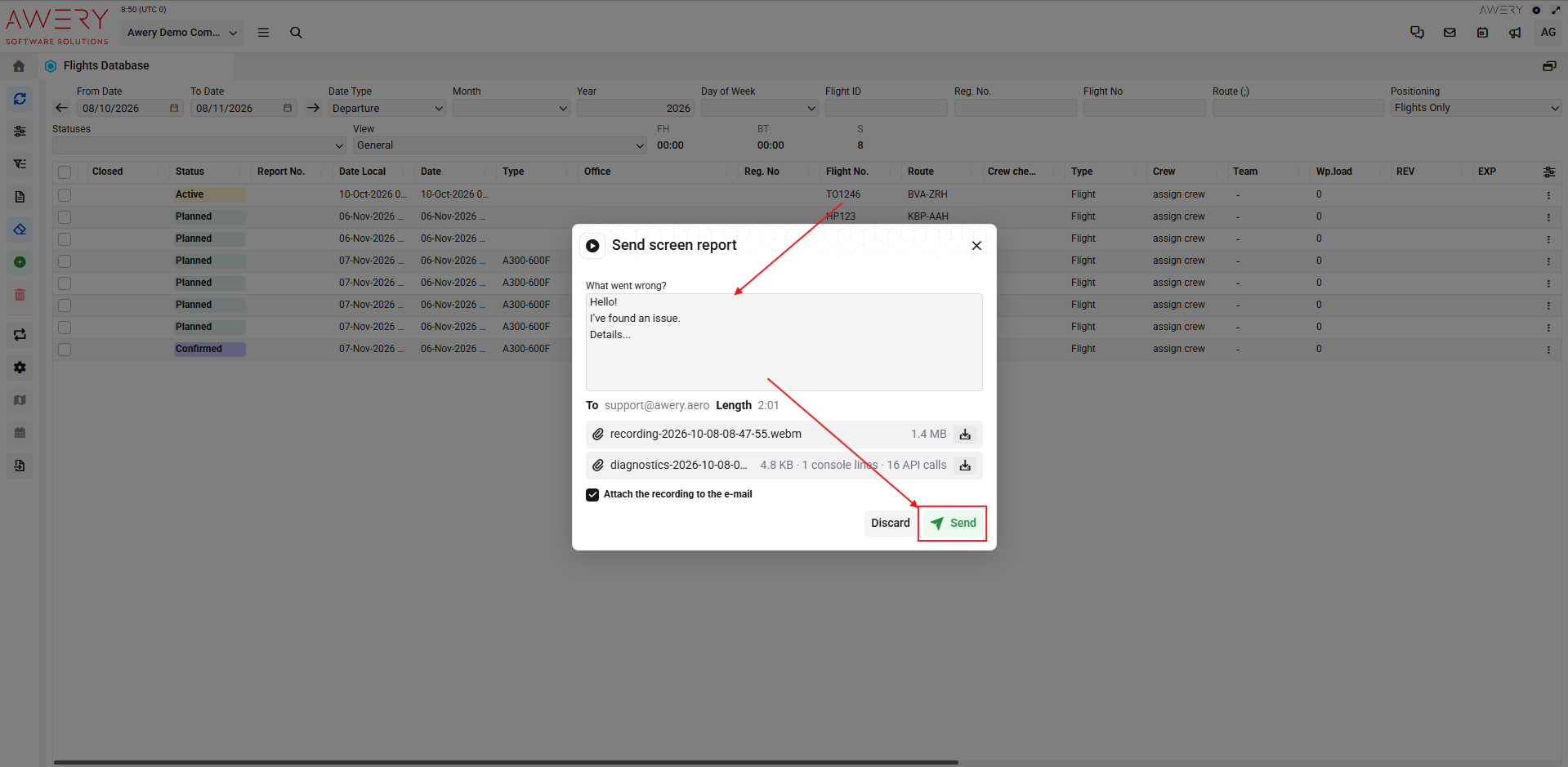
The feature records not only your screen, but also collects technical data from your browser, including console messages and API calls (network requests). Together with your description, this information is sent to our Support team, giving us more details to investigate the issue and identify its cause much faster.
How does it work?
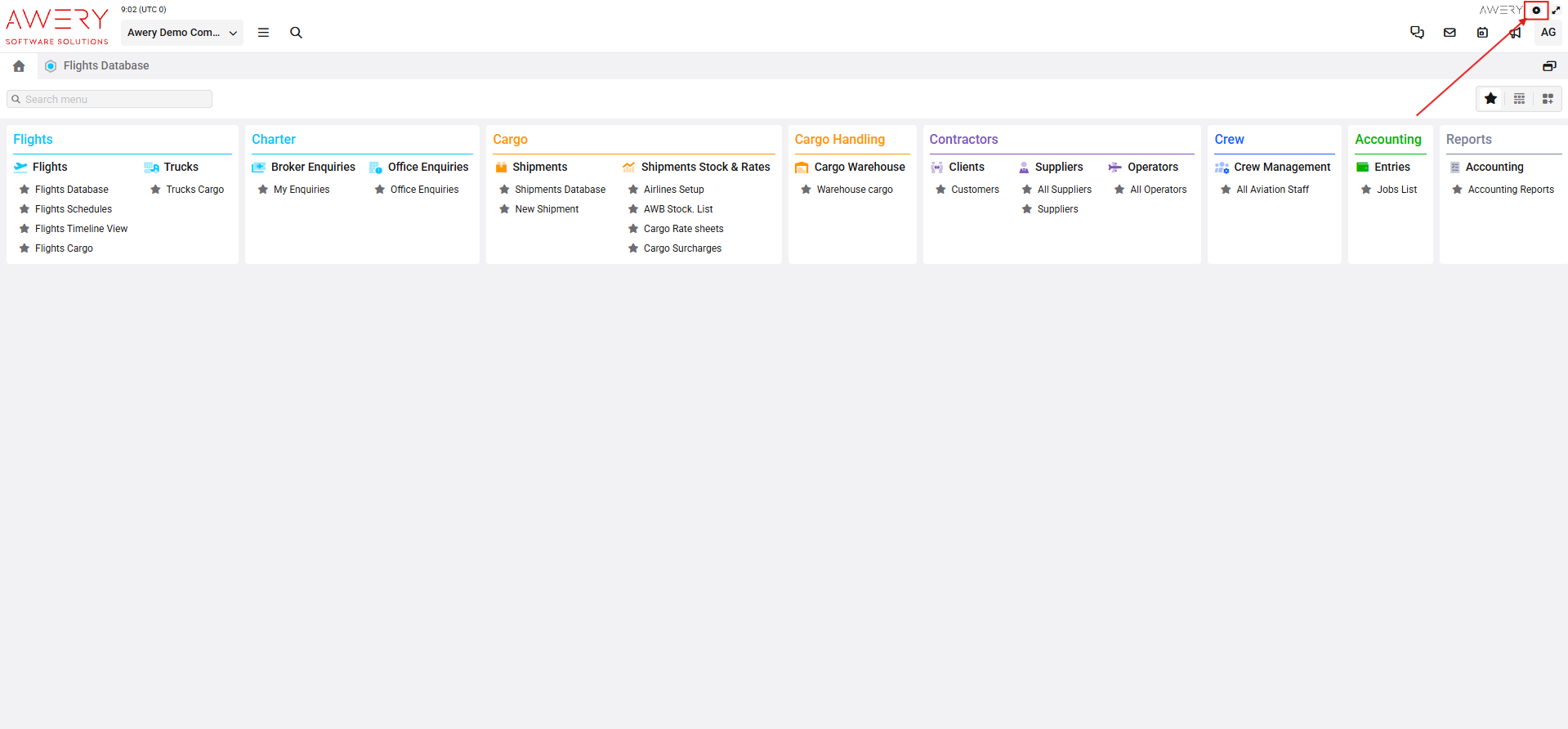
Click the Screen Recording button.

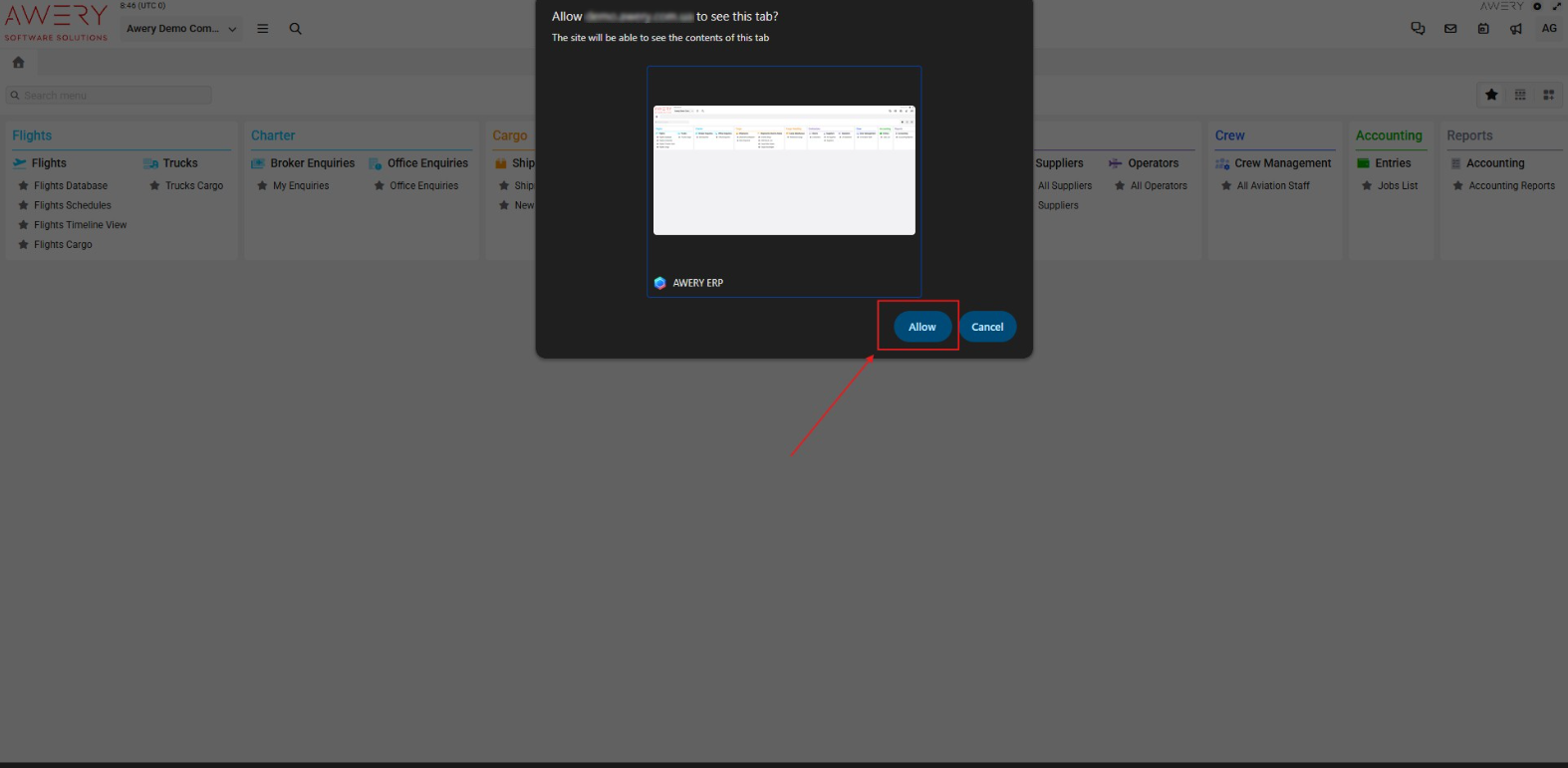
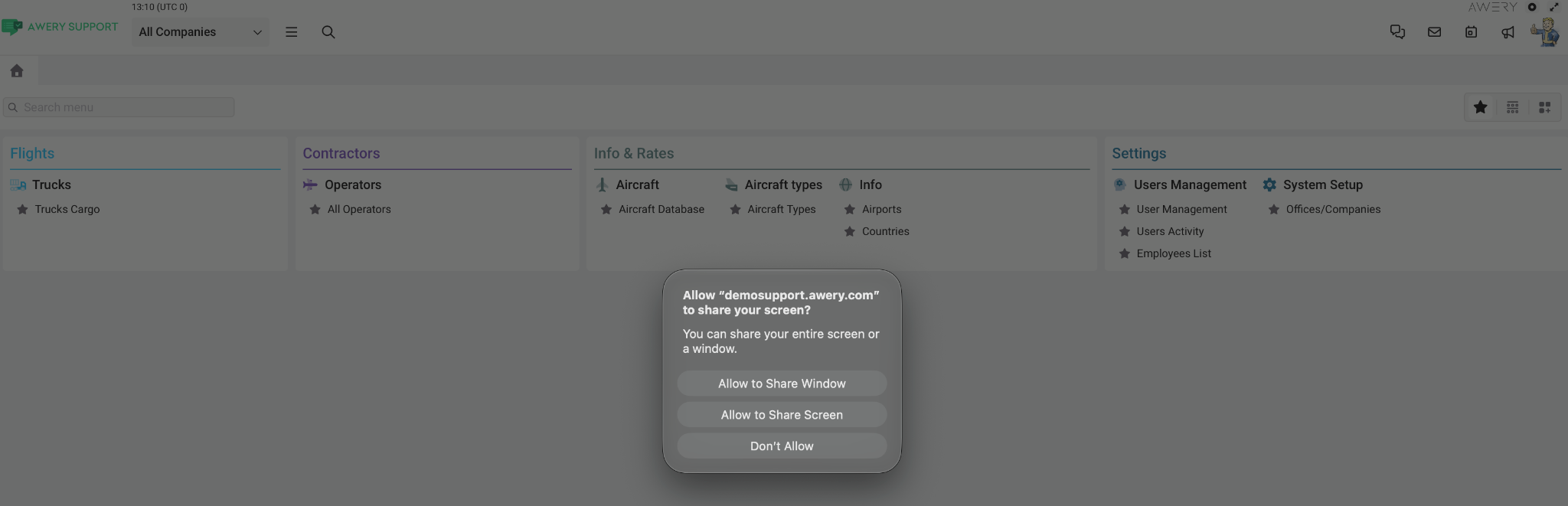
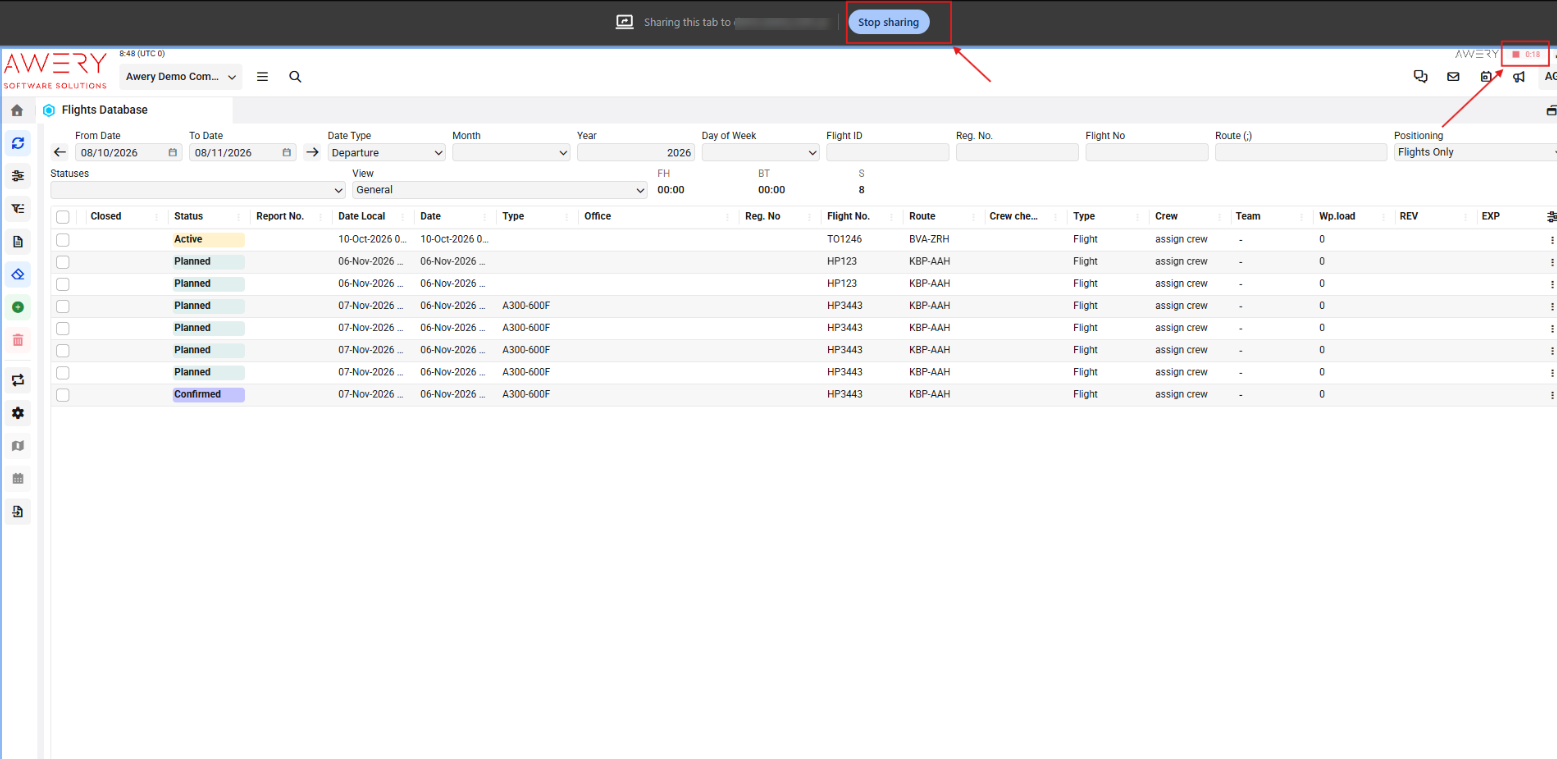
The system will ask you to allow access to your screen. Allow access to start recording.
Perform the actions you would like to demonstrate.
Once you are finished, click the Screen Recording button again to stop the recording.

A pop-up window will appear where you can add an additional comment or explanation.
Send the recording for review.