
Accessing the Customer Activities Page
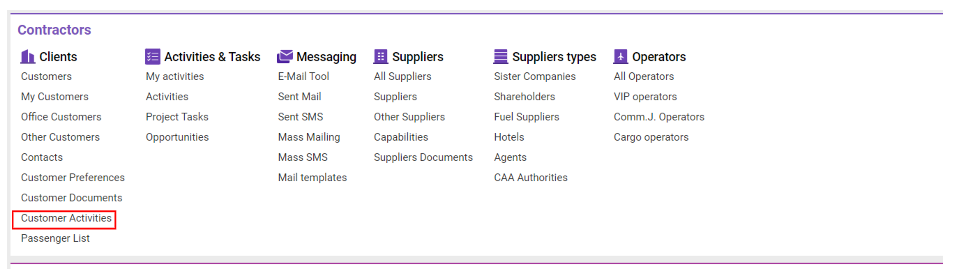
Navigate to the Contractors section and under the Clients Section click the “Customer Activities” Button.
Overview
This section enables tracking and managing customer interactions and activities. With advanced filtering and sorting options, users can tailor the view to locate specific customer activities efficiently.
Activity List Details
Each entry includes:
-
Customer Name: Customer's name
-
Customer Company: Company name of the customer
-
Country: Country of the customer
-
City: City of the customer
-
Status: Customer's status or condition
-
Customer Type: Type classification of the customer
-
Compliance: Compliance status or related notes
-
Broker: Broker associated with the customer
-
Industry: Industry sector of the customer
-
Main Phone: Main contact number of the customer
-
Main E-mail: Primary email address of the customer
-
Date: Date of the activity
-
Days from Last Contact: Time elapsed since the last recorded activity
Filtering and Sorting
Filtering
-
Click the Filters button to open the filter bar.
-
Filter options include:
-
Main Phone
-
Main Email
-
City
-
Broker
-
Contractor Type
-
Customer
-
Status
-
Sorting
-
Sort activities by:
-
From/To Date
-
Office
-
Activity Type
-
Period of Time
-